BEST SELLERS
Browse Our Favorites

Original price was: $4.50.$2.92Current price is: $2.92.
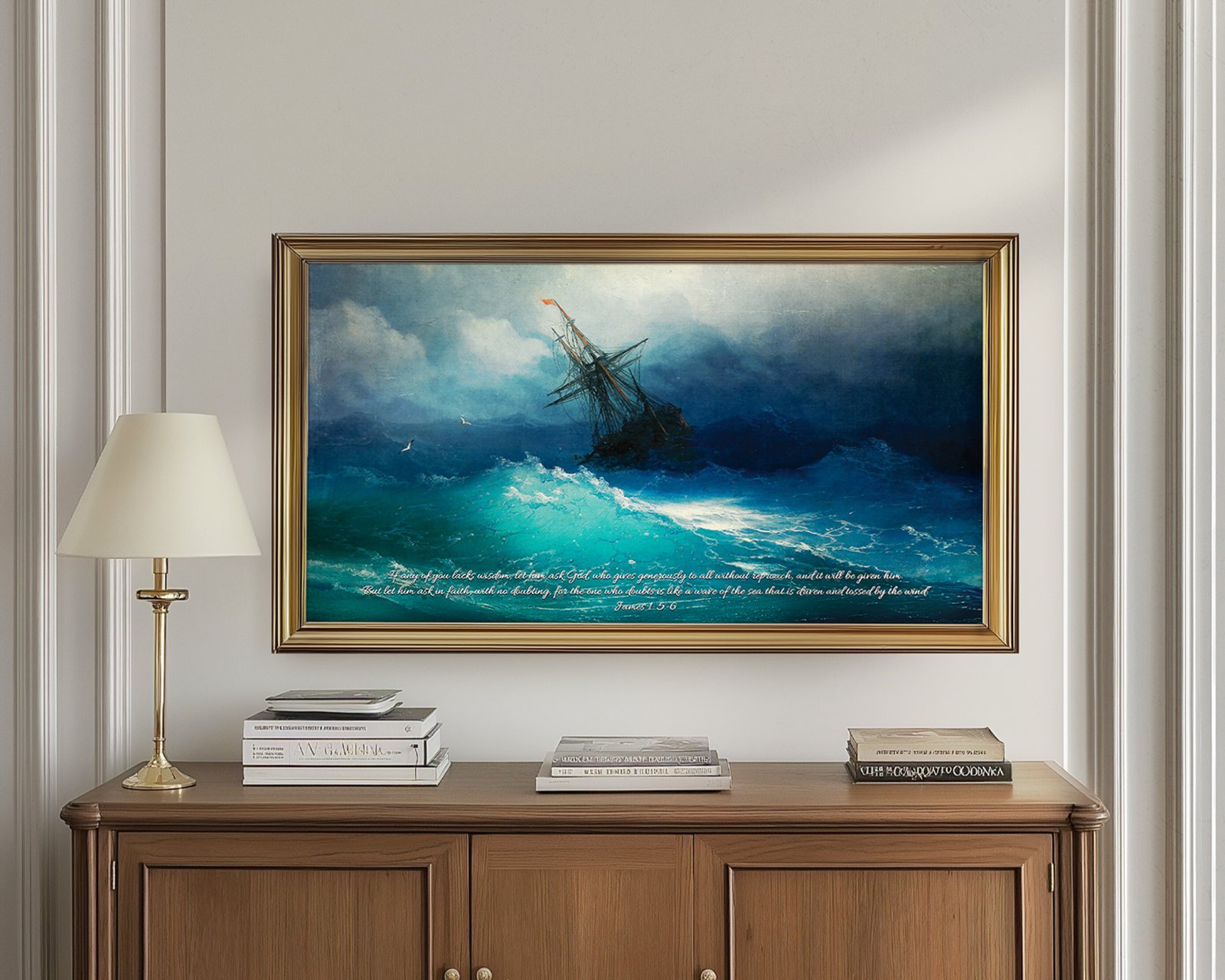
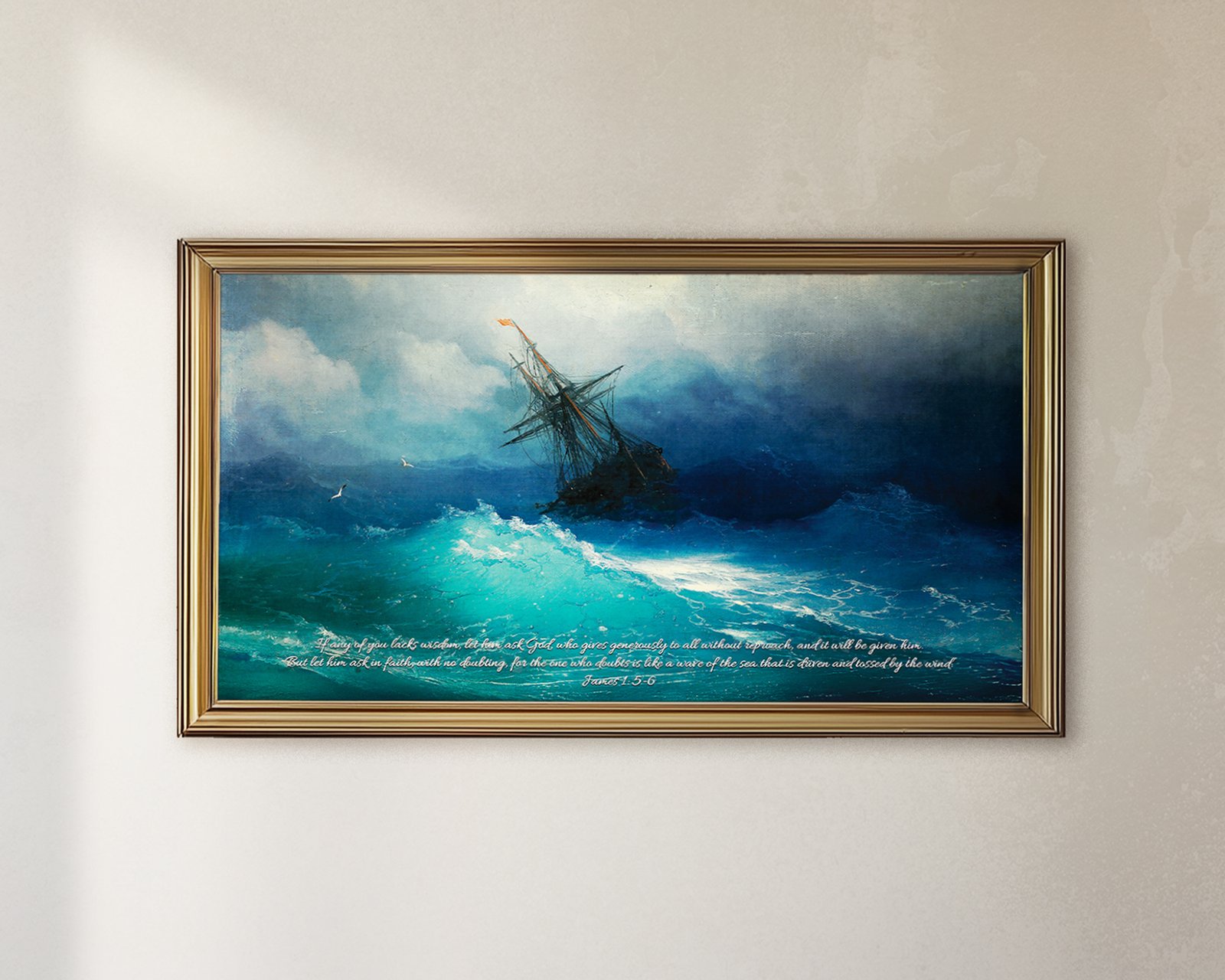
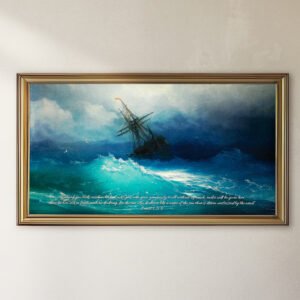
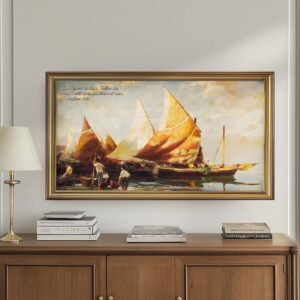
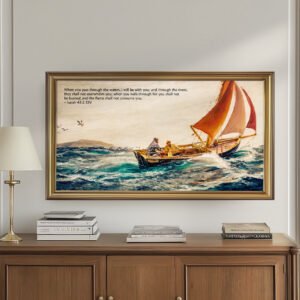
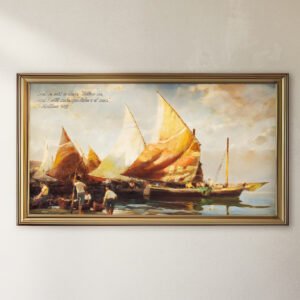
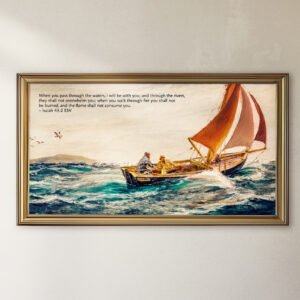
Add a nautical touch to your Samsung Frame TV with this vintage-inspired digital art featuring James 1:6. The calming sailboat design and timeless scripture create a perfect focal point for any room. Easy digital download makes setup a breeze.
❖ PRODUCT FEATURES ❖
1x High-Resolution Digital Print, 16×9 UHD/4K, 300 dpi 3840×2160 pixels
Instant Download in High Resolution Formats
Ideal for Theological Enthusiasts, Intellectual Spaces, and Personal Offices
❖ File Formats ❖
• JPEG
• PDF
❖ DELIVERY ❖
Instant download link available upon payment for your convenience.
❖ DISCLAIMER ❖
Note: Please note that this digital file is intended for screen use only and is not suitable for printing. Due to variations in monitors and printing equipment, colors in the final print may differ from those shown on your screen.
❖ SET UP GUIDE ❖
Please be familiar with your Frame TV before purchasing, but here’s some helpful information: Samsung Smart TV Instructions. Once you download your art to your phone, you need to download the SmartThings app. Follow these simple steps:
1. Add your Samsung TV device to the app by clicking the plus button at the top of the page.
2. Once your TV is added, click on it under “Devices”.
3. Click “Art Mode”.
4. Click “Add Your Photos”.
5. Select your art from your photos and click “Save on The Frame”. (Note: If you want your photos to be a slideshow, select Slideshow when viewing the photos you selected to save to the Frame.)
6. Enjoy your new art!
• ADDITIONAL SAMSUNG SUPPORT: If you are experiencing issues with the SmartThings app, please follow the link: https://www.samsung.com/ca/support/model/SMART-THINGS/
Only logged in customers who have purchased this product may leave a review.






Reviews
There are no reviews yet.